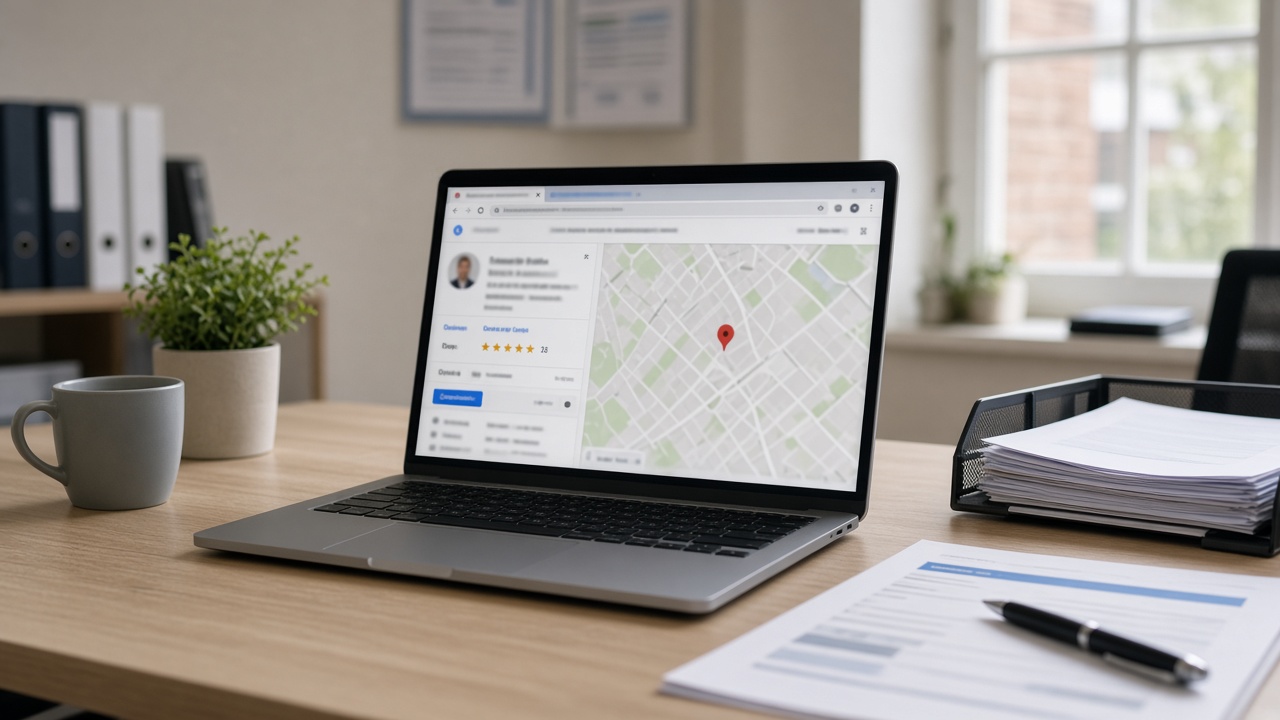
How to Improve Your Google Business Profile
Your Google Business Profile is the listing customers see on Google Search and Maps. If the details are wrong, incomplete, or vague, local people may skip you even when you are the right fit. This guide is about the profile itself — information, categories, services, hours, service area, photos, and description — not about collecting reviews.
Claim and verify the listing first
If you have not claimed the profile, do that before polishing anything else. Use Google’s Business Profile tools and complete verification with the method Google offers for your situation (postcard, phone, email, or video, depending on eligibility).
Once verified:
- Match the business name to how you trade day to day. Avoid keyword stuffing in the name.
- Use the address customers should associate with you. Mobile-only businesses should follow Google’s guidance for service-area businesses rather than inventing a shopfront.
- Keep one primary phone number that you actually answer.
- Prefer a UK local or business number customers recognise.
Do not create duplicate listings for the same business. Duplicates confuse Maps and dilute trust.
Categories, services, and what you actually do
Categories are how Google understands your trade. Choose a primary category that matches the work you want most, then add a small number of secondary categories only where they are genuine.
List services in plain language in the Services section:
- Short names customers search for (“Blocked drain clearance”, “Fuse board upgrade”, “Kitchen tiling”).
- Separate emergency and planned work if you offer both.
- Skip jargon that only other tradespeople use.
If a service is seasonal or limited, say so in the service description rather than leaving customers to guess.
Hours, special hours, and service area
Out-of-date hours are a common reason people call and get no answer — then choose someone else.
- Set regular opening hours to the times you take calls or bookings.
- Use special hours for bank holidays and planned closures.
- If you are a service-area business, define the areas you cover clearly and keep them honest. Oversized service areas that you never travel to waste everyone’s time.
Review hours whenever your diary pattern changes, not once a year.
Photos and business description
Photos should show your real work and premises, not stock imagery.
Useful sets include the exterior or van livery, a tidy workspace, and clear before-and-after jobs where relevant. Use decent light, keep faces and private addresses out unless you have permission, and refresh the gallery when your work examples age.
Write the business description in clear UK English:
- Who you help and where.
- The main services you want to be found for.
- Any important practical limits (domestic only, no commercial sites, evenings by arrangement).
Keep it accurate. A polished paragraph that overclaims will create poor-fit enquiries.
Accuracy checks and common GBP mistakes
Before you treat the profile as “done”, walk through it on a phone as a stranger would:
- Spelling in the name, services, and description.
- Whether the Maps pin matches reality.
- Whether categories still match the work you take.
- Whether old offers, temporary closures, or outdated attributes linger.
Common mistakes to avoid:
- Stuffing extra cities or keywords into the business name.
- Leaving hours blank or marking 24/7 when you are not.
- Mixing two trades into one muddy listing instead of clarifying services.
- Ignoring Google’s product updates when attributes or forms change — check Google’s Business Profile help when something looks new.
Improving a Google Business Profile is mostly maintenance: keep the facts current, the services clear, and the presentation honest. Do that consistently and local searchers can judge you on the work you actually offer.
If you want relevant local enquiries as well as a tidy Maps presence, ASKU can help connect you with nearby customers — after your profile details are solid.